What's new in ShiftView?
2.0
January 24th, 2026
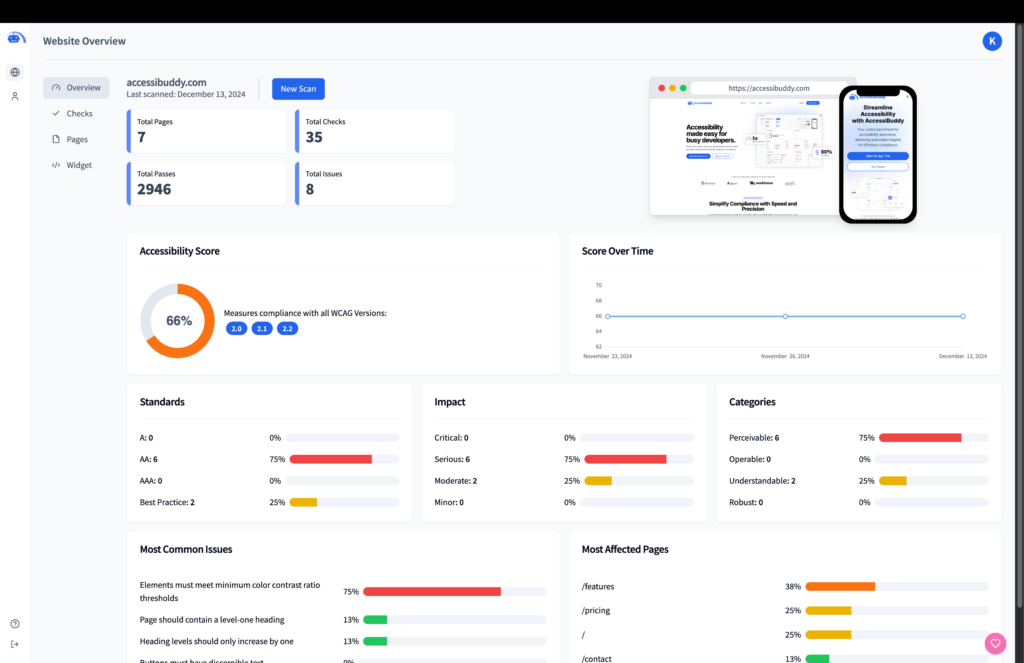
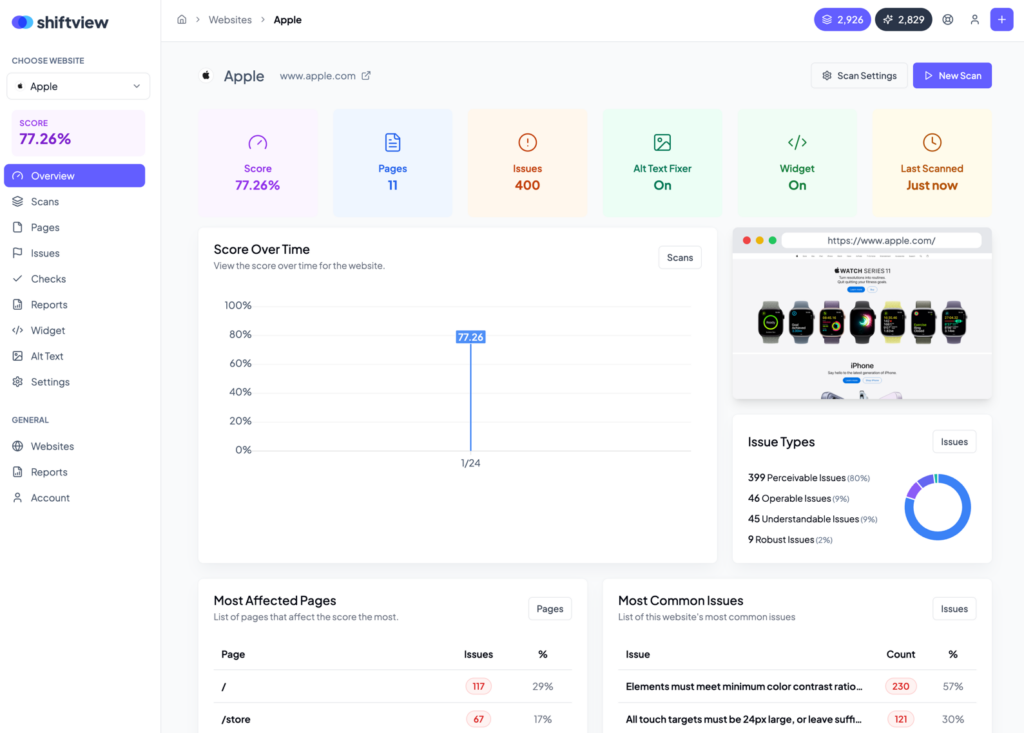
V2 Released! New name, new ownership, new app, new features
We’re so excited to release V2 of ShiftView, formerly known as AccessiBuddy – you can read the full version 2 announcement here.
For brevity, we’ve only included the major changes below.
- Partial rescans: For a much faster scanning experience, instead of a new full-site scan, choose specific pages, issue groups, or WCAG checks to rescan.
- Full javascript rendering: Our scanner loads your site in a real browser and executes javascript for a higher accuracy scan.
- Google Analytics integration: Connect Analytics to see which issues are affecting the most users
- Smart issue prioritization: Group by issue similarity or by CSS selector with AI generated issue names for added clarity
- AI alt text fixer: Generate and manage alt text in our app and let our embed code fix your alt tags
- Reports (CSV & PDF): Generate client-ready reports
- Scoring systems: Choose from pre-defined scoring systems
- Custom scoring systems: Build your own custom scoring system that’s weighted best for your work
- Individual issue view: View default information about individual issues
- Complete redesign: The app has been redesigned from the ground up to look better and be more intuitive
1.7
August 16th, 2025
Faster scans
Time is precious, and with faster scans, you can quickly assess accessibility across your digital properties and prioritize remediation tasks. Whether you’re managing one site or multiple, this update keeps you moving forward without delay.
Run your next scan today and experience the difference!
- Optimized Performance: Our upgraded scanning algorithm leverages the latest Axe Core updates to deliver results in record time.
- Enhanced Accuracy: With the improved engine, you’ll identify accessibility issues more precisely, ensuring reliable compliance reports.
- Streamlined for All Devices: Faster scans are now optimized for desktop, tablet, and mobile workflows.
1.6
July 1st, 2025
Multi-device scanning
Your audience interacts with your digital properties on a range of devices. Multi-device scanning ensures your site is not just accessible but optimized for everyone, everywhere.
Try scanning your website on multiple devices today and see the difference it makes for your audience’s experience!
- Unified Device Support: Whether it’s a desktop monitor, tablet, or mobile phone, you can now scan and analyze accessibility issues across all device types with precision.
- Responsive Testing: Evaluate how your site performs across various screen sizes to identify device-specific accessibility challenges.
- Streamlined Workflows: Easily toggle between device views for comprehensive insights without extra configuration.
1.5
June 5th, 2025
User roles & task assignment
We’ve introduced powerful new tools to streamline teamwork and ensure every task gets to the right person.
Accessibility is a team effort, and these new features make collaboration easier and more organized. By assigning roles and tasks, you can focus on achieving compliance faster while keeping your team aligned.
Start assigning roles and tasks today to boost your team’s productivity!
- Role Customization: Assign specific roles to team members, such as admin, developer, or read-only, to control access and responsibilities.
- Task Assignment: Directly assign remediation tasks to the appropriate team members, ensuring efficient issue resolution.
- Clear Oversight: Track progress on tasks and monitor completion rates, all within the updated dashboard.
1.3
May 24th, 2025
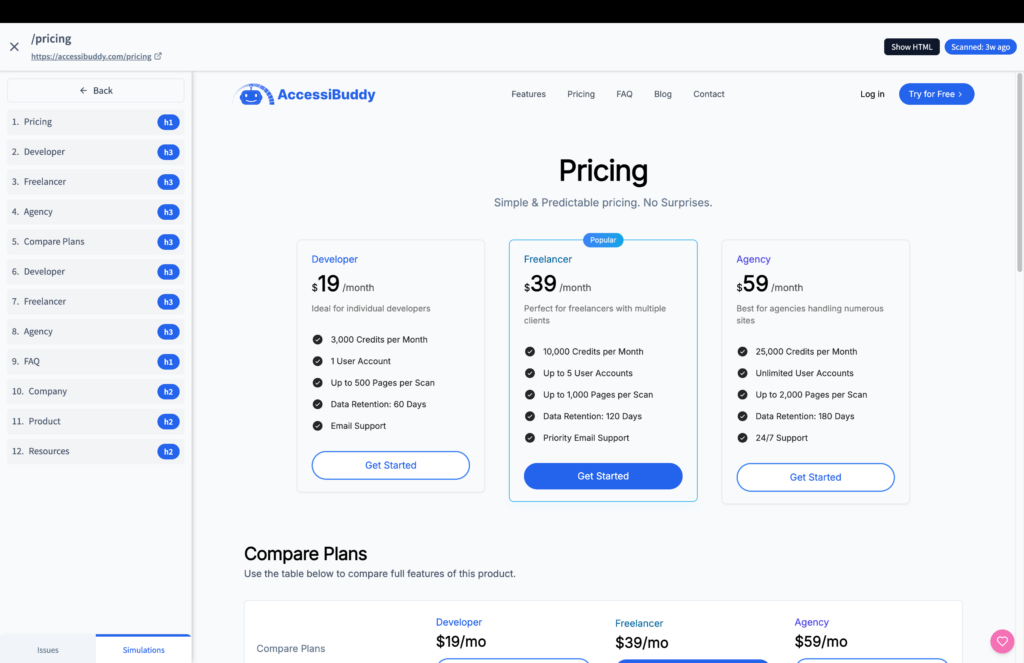
Simulated testing
Accessibility goes beyond static pages. Simulated testing empowers you to uncover and fix issues in dynamic, user-driven experiences, ensuring your website works seamlessly for everyone. This is highly experimental.
Check out the new simulated testing features today and elevate your accessibility efforts!
- Interactive Element Testing: Assess the accessibility of modals, forms, dropdowns, and other interactive components.
- Keyboard Navigation Simulation: Ensure smooth navigation and usability for keyboard-only users.
- Advanced Scenarios: Test real-world scenarios with precision, like filling out forms, interacting with pop-ups, or navigating multi-step processes.
1.4
May 10th, 2025
Credit-efficient scanning
Every credit counts! With credit-efficient scanning, you can better manage your budget and ensure you’re prioritizing what matters most in your accessibility efforts.
Start leveraging this feature today and make your credits work smarter for you!
- Selective Rescanning: Re-scan specific pages or targeted checks without using unnecessary credits on unchanged areas.
- Optimized Credit Usage: Focus your resources where they’re needed most, reducing overhead for routine monitoring.
- Seamless Integration: Combine with scheduled or manual scans to maintain efficiency without sacrificing thoroughness.
1.2
March 3rd, 2025
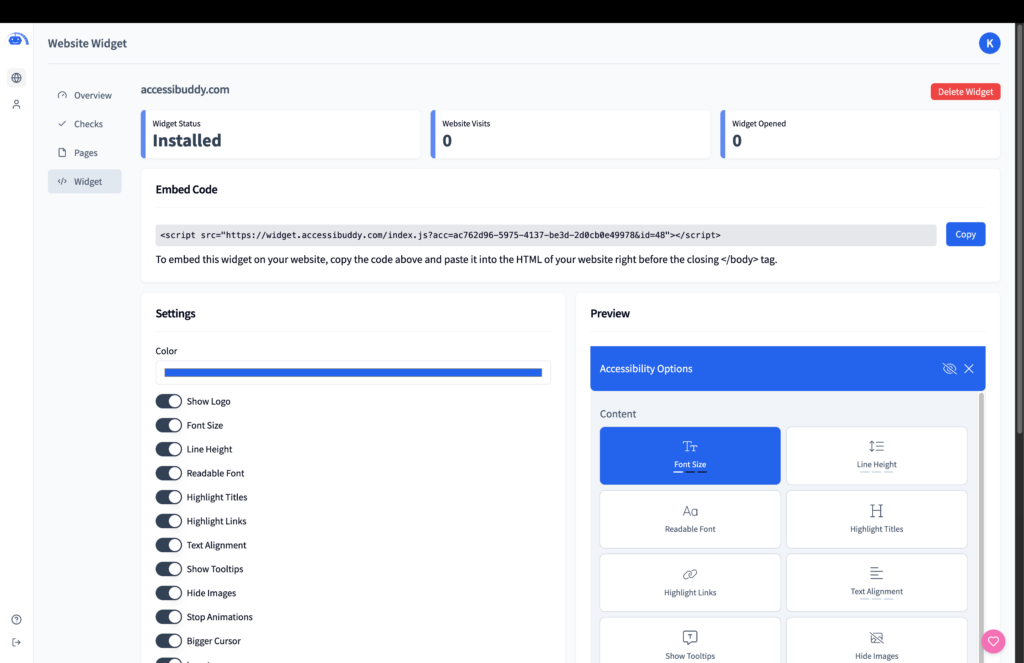
Upgraded widget
The upgraded widget empowers you to provide a better user experience for your audience while maintaining your brand’s identity. With customizable settings and enhanced accessibility tools, everyone can interact with your site effortlessly.
Start customizing your widget today and make accessibility a cornerstone of your website!
- Expanded Branding Options: Tailor the widget’s appearance to match your site’s look and feel, including colors, fonts, and more.
- Advanced Accessibility Features: Provide users with tools like adjustable font sizes, line spacing, readable fonts, and more, all from an intuitive interface.
- Flexible Pricing Tiers: Choose the widget package that works best for your site’s needs and scale seamlessly.
1.1
January 18th, 2025
Enhanced issue management
Effective issue management is at the heart of accessibility compliance. With these enhancements, you can streamline your process, focus on what matters most, and track your progress effortlessly.
Start managing your issues more efficiently today and see how quickly your scores improve!
- Direct Issue Resolution: Resolve or ignore issues directly from the interface, streamlining your workflow.
- Real-Time Updates: See your accessibility scores and reports update instantly as you resolve issues.
- Prioritize Effectively: Focus on the most critical issues with improved categorization and impact indicators.
1.8
January 2nd, 2025
Fresh UI overhaul
We’re excited to announce a major redesign of the AccessiBuddy dashboard! The new interface is sleeker, more intuitive, and focused on providing you with a seamless user experience.
This overhaul isn’t just about aesthetics—it’s about making accessibility management easier for you. With this redesign, you can focus on analyzing your data, tracking improvements, and achieving compliance efficiently.
Check out the new design in your dashboard and let us know your thoughts. We’re excited to hear what you think!
- Enhanced Visuals: The revamped design offers a clean and modern layout, allowing you to quickly navigate through your websites, issues, and scores.
- At-a-Glance Metrics: View total websites, issues, and credits all in one place, with easily interpretable visuals like progress graphs and issue breakdowns.
- Streamlined Issue Tracking: Navigate accessibility issues with improved readability and track their progress over time.